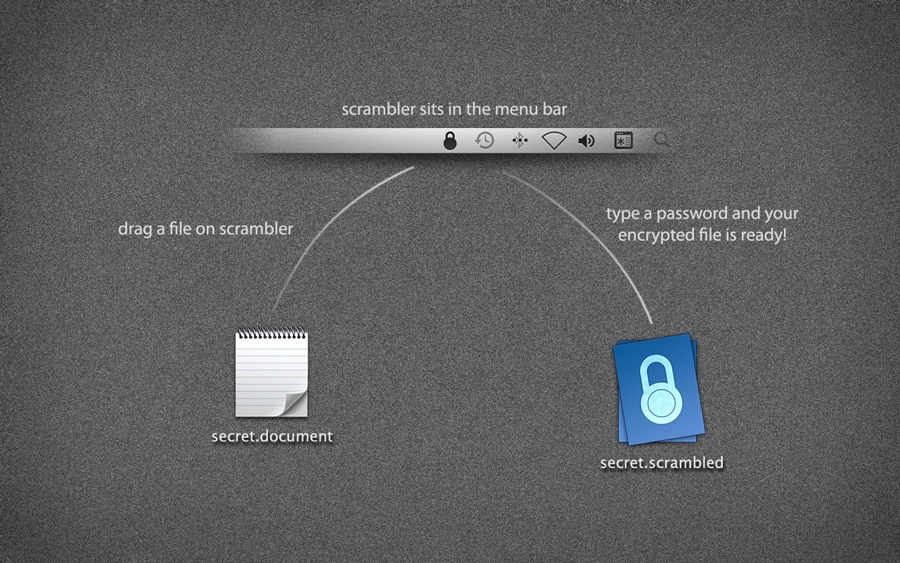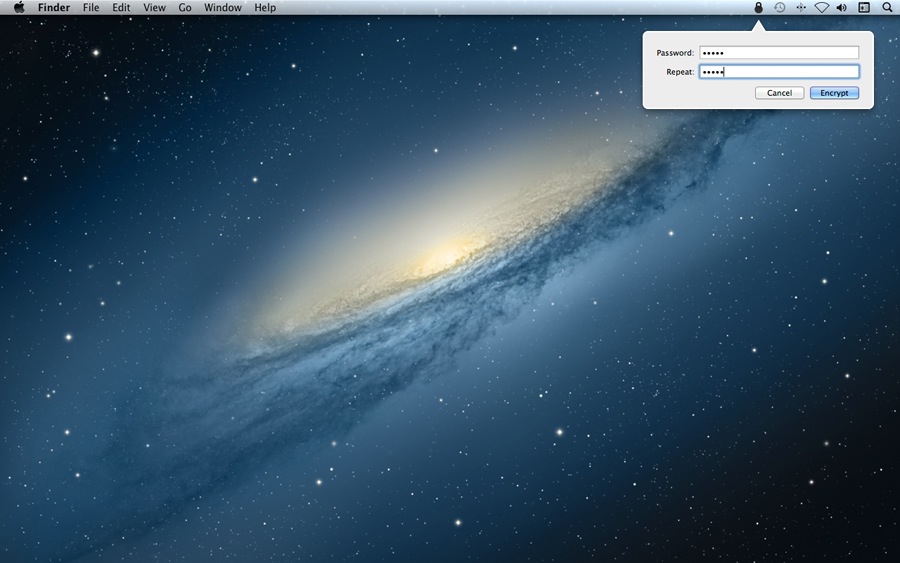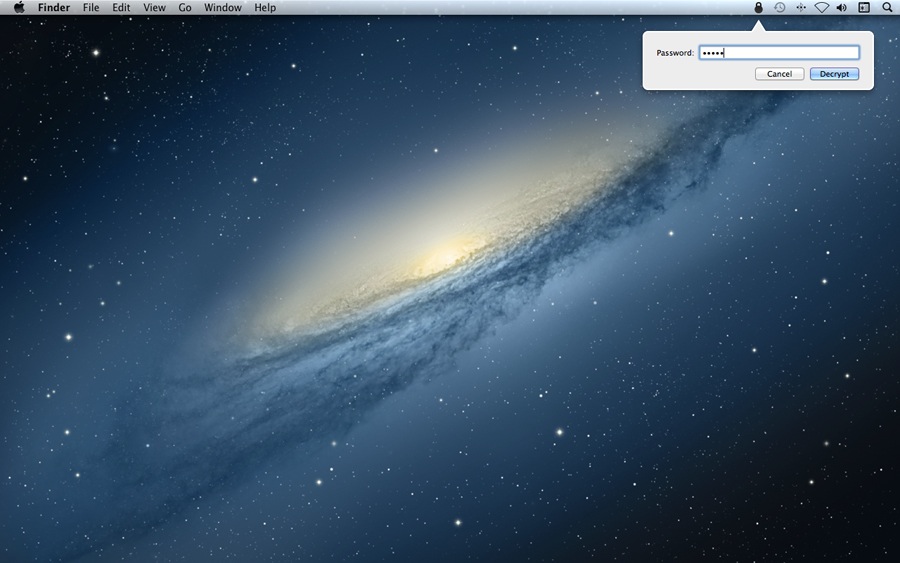
Scrambler
a simple encryption app for the Mac
Download for free
Update (December 2021): Made free and dropped maintenance
Still works fine, even on macOS 12 Monterey; use this license key
Version 1.3 (4.6 MB)
Requires OS X 10.7.5 or later
Release notesScrambler 1.3:
- Fixes visual bugs and adds support for dark mode on OS X Yosemite.
Scrambler 1.2.8:
- Signed with a new Developer ID to prevent spurious warnings on OS X 10.9.5 and later.
- Various minor changes.
Scrambler 1.2.6:
- Fixes a menu bar icon problem introduced in version 1.2.4 (compatibility with Bartender, an app by another developer that manages your menu bar items).
- Fixes some window positioning issues when using multiple displays with OS X Mavericks.
Scrambler 1.2.4:
- System requirements increased from 10.7 to 10.7.5.
- Fixes a bug that occasionally made it unable to drag files on Scrambler.
- The app now behaves more properly when using Spaces.
- Various other bug fixes and improvements.
Scrambler 1.2.2:
- Fixes a bug where users with Macs running over network drives were not able to properly use the “source folder” feature.
- Fixes a bug where users could, in some cases, not properly select folders in the open dialog that appears before encryption/decryption.
Scrambler 1.2:
- A new, vastly more secure scrambled file format that makes brute-force attacks practically impossible (unless the user chooses a weak password).
- The new file format also produces more compact files—about 25% smaller.
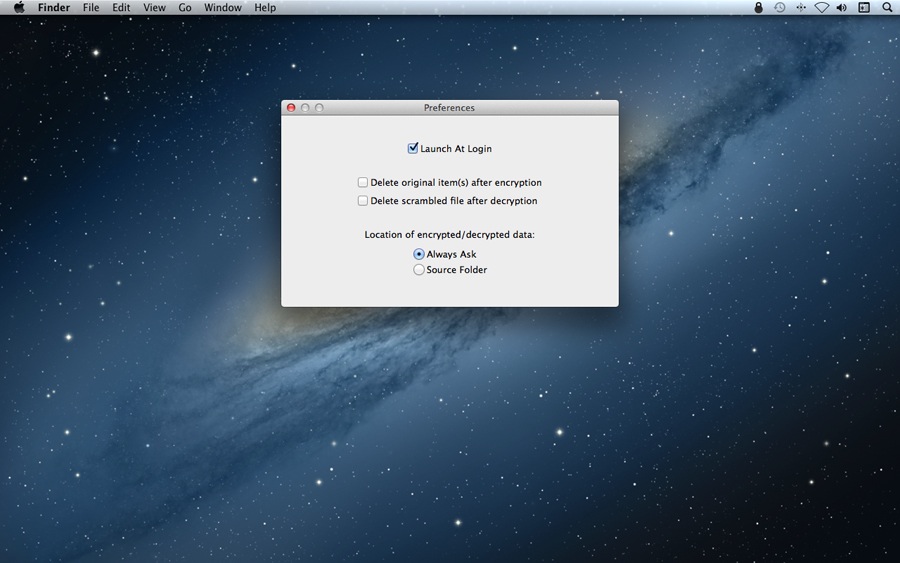
- Adds the optional ability to automatically delete the original item(s) after encryption/decryption.
- A few minor improvements and bug fixes.
Important:
- Scrambled files created with Scrambler 1.2 will not decrypt on older versions.
- Descrambler users also have to upgrade to the newest version to decrypt the new file format. (Descrambler is a free “decrypt-only” version of Scrambler, available from the same developer.)
- The new versions are, of course, able to decrypt the old file format.
Scrambler 1.1.8:
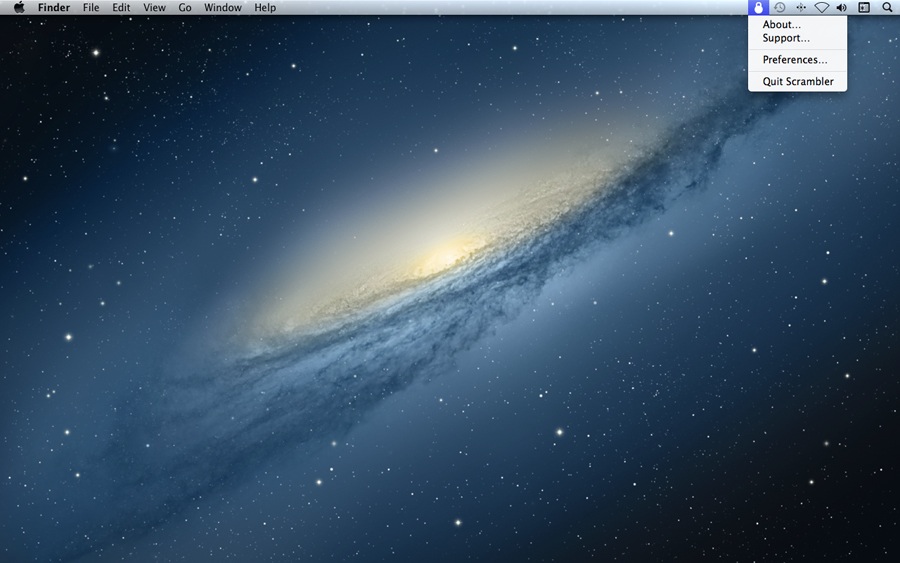
- Sandbox support. This technology vastly improves app security and is now recommended by Apple for all Mac apps. For technical reasons, a consequence of this is that if you are currently using Scrambler’s “save in source folder” feature, you have to set it up again through Scrambler’s new Preferences window.
- Various minor improvements.
Scrambler 1.1.6:
- New icons and artwork that are compatible with the retina display.
- Fixes a bug that in some cases caused an error during decryption.
- Various underlying bug fixes.
Scrambler 1.1.4:
- Fixes a bug that in some cases caused an error/crash during encryption.
Scrambler 1.1.2:
- Fixes a bug that made it unable for some users to launch the app.
- Some minor internal improvements.
Scrambler 1.1:
- The file size limitation of 250 MB has been removed; users can now encrypt as large files as they want.
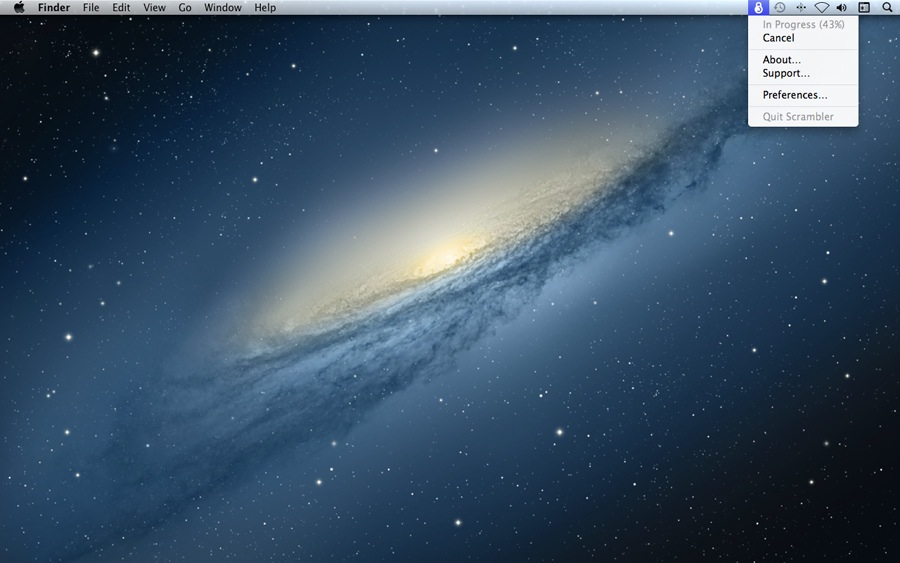
- Adds a progress indicator that shows the percentage completion of the encryption/decryption.
- Encryption and decryption can now be cancelled during progress.
- Encryption and decryption are now dramatically more memory-efficient.
- Fixes a bug that sometimes, in rare cases, made it impossible to decrypt scrambled files.
- Fixes various other minor bugs.
- The underlying codebase has been completely reworked to take full advantage of new technologies provided in OS X Lion. For the user, this results in a nice performance boost. For the developer, this provides a great foundation for further improvements.
Scrambler 1.0:
- Initial release.
Support email: “support” at our domain name